Ryobi battery USB mod
Time: < 1hr
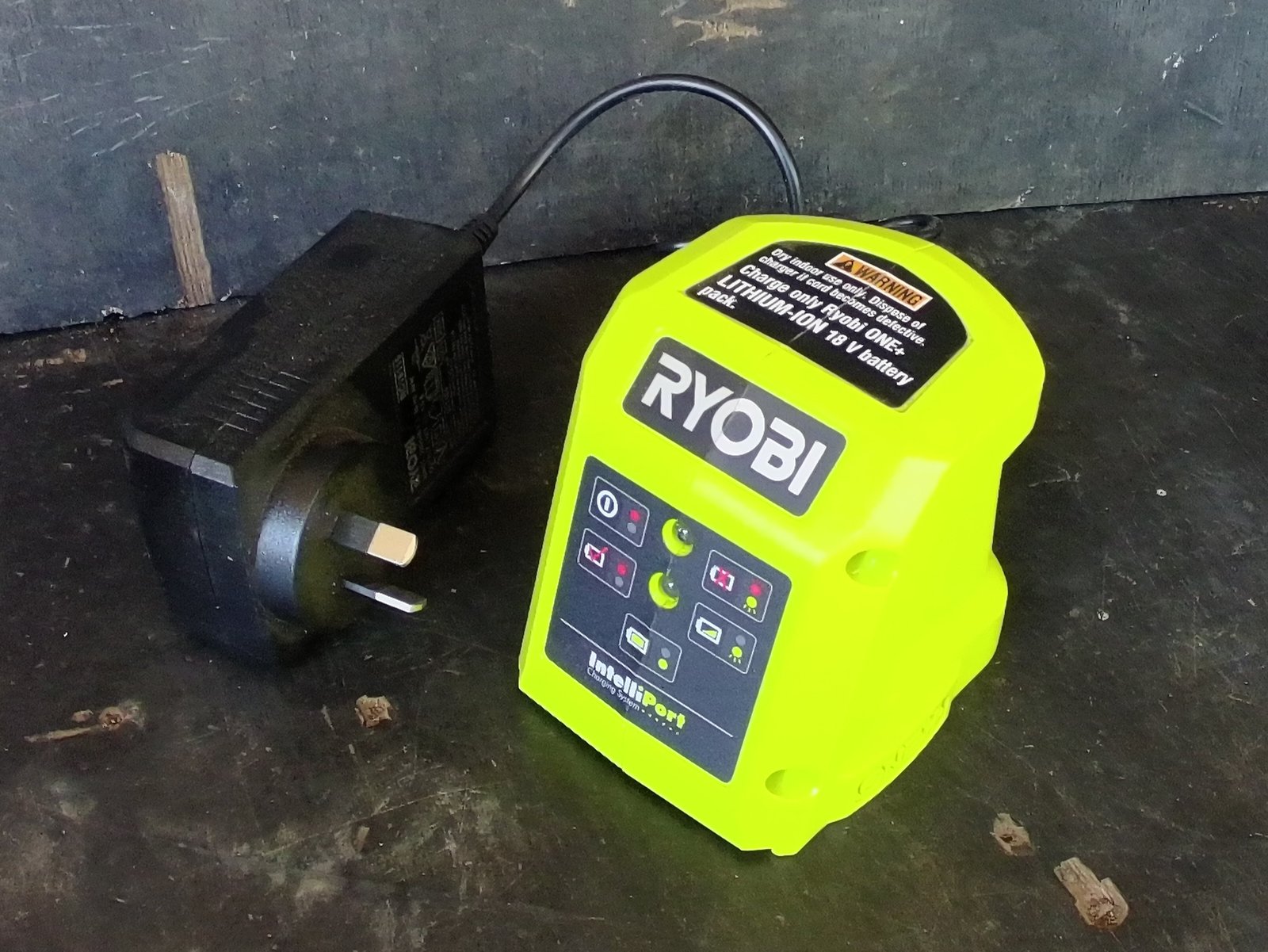
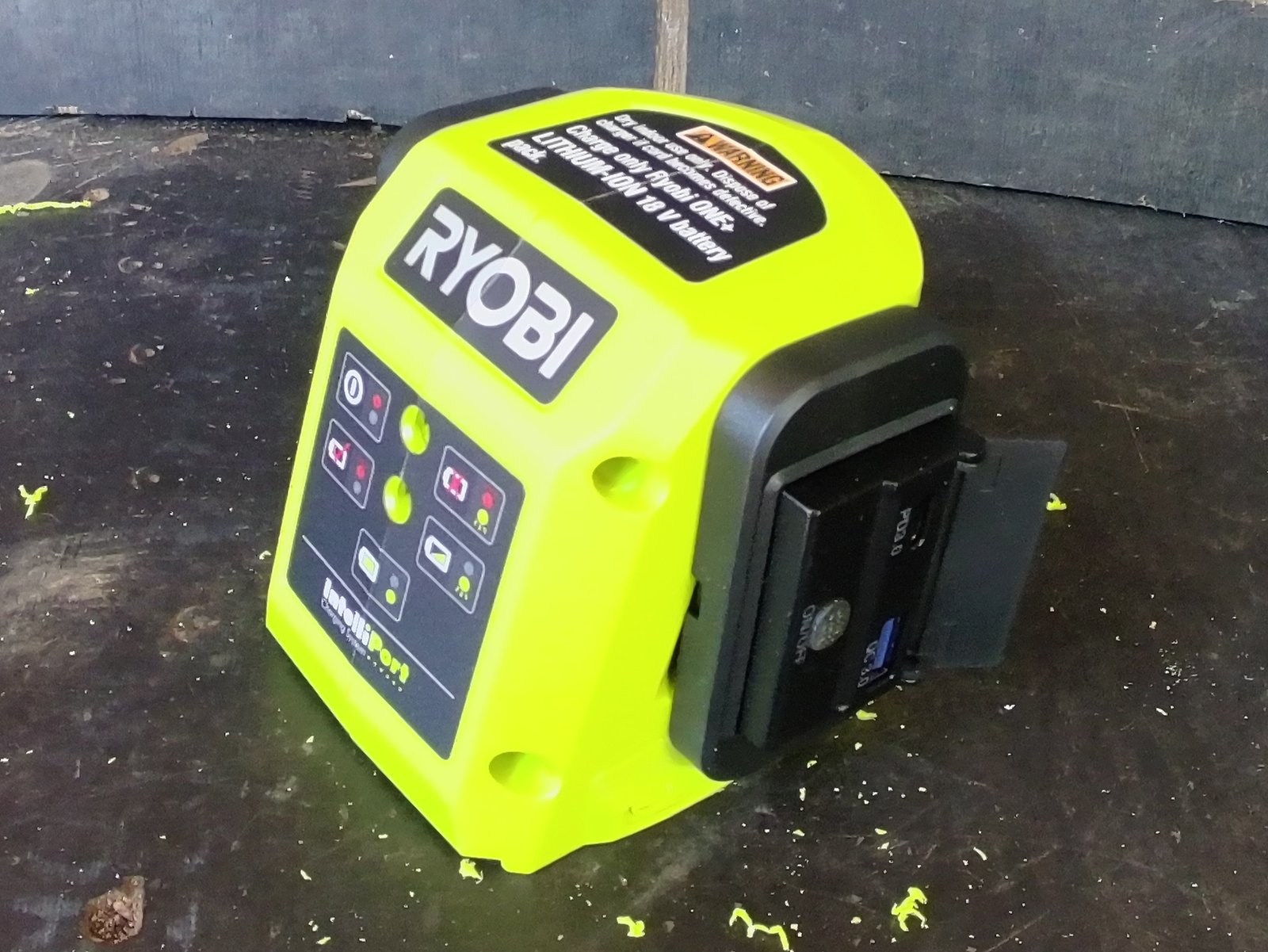
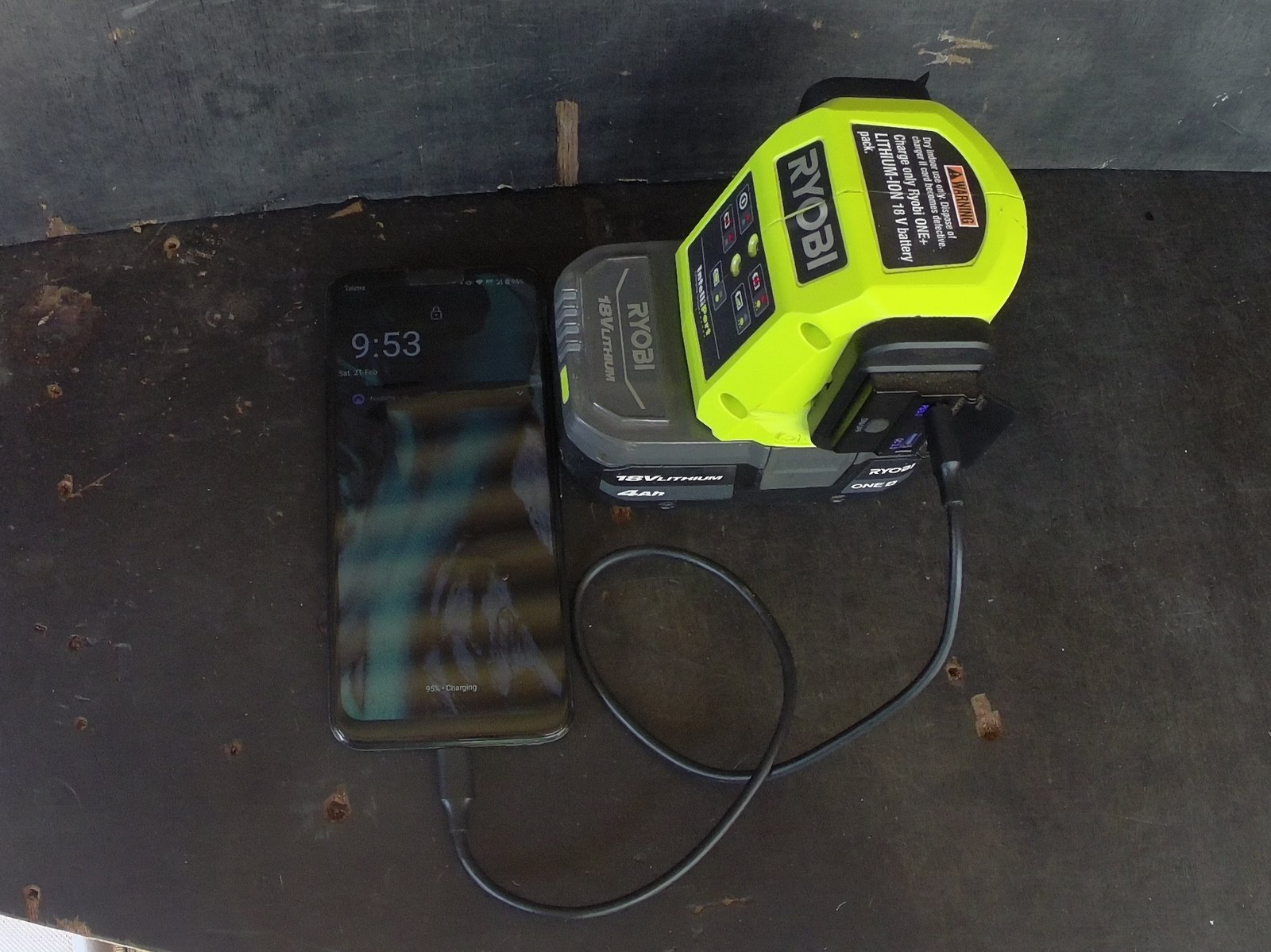
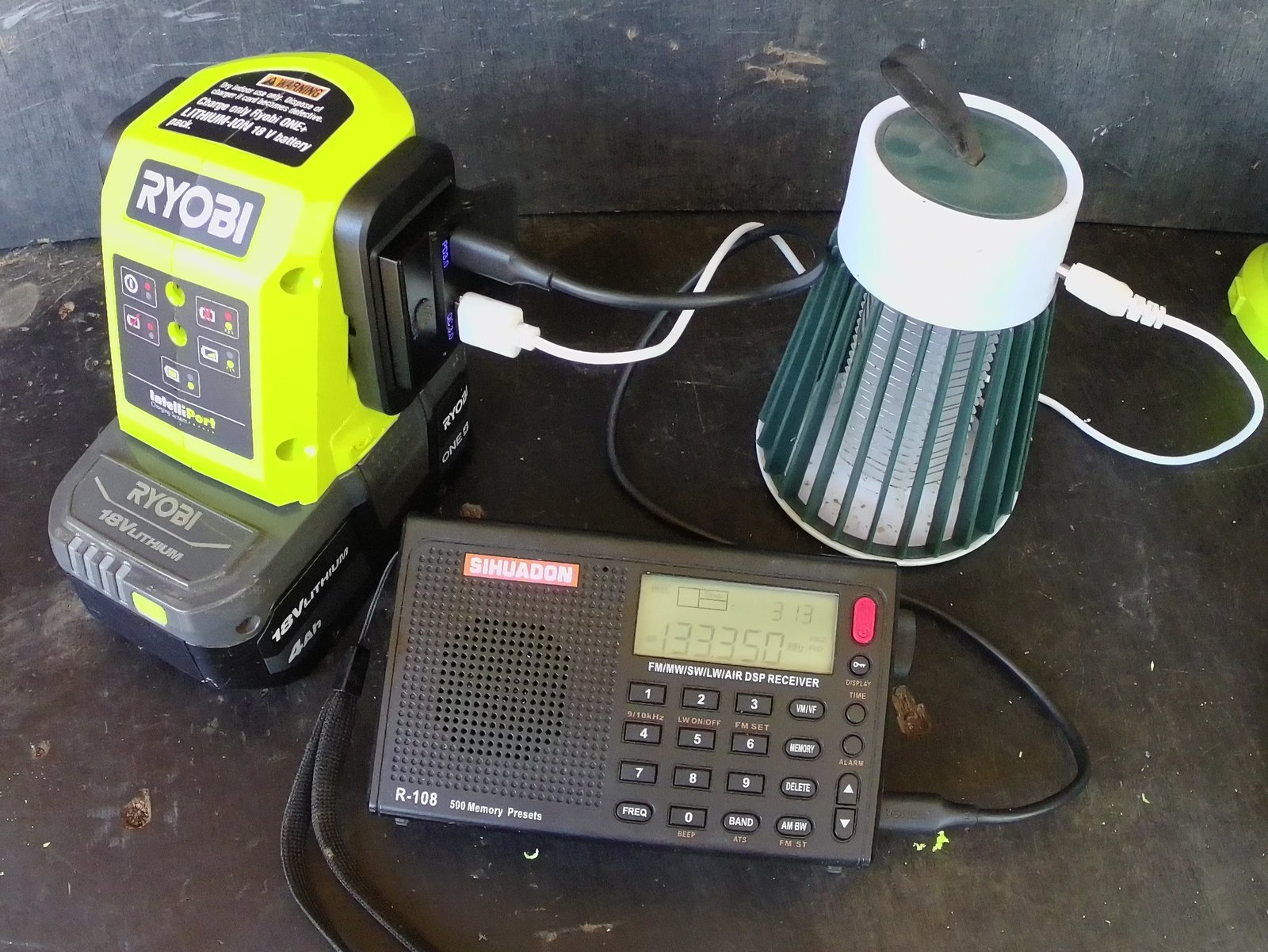
Modify a Ryobi charger with USB sockets.
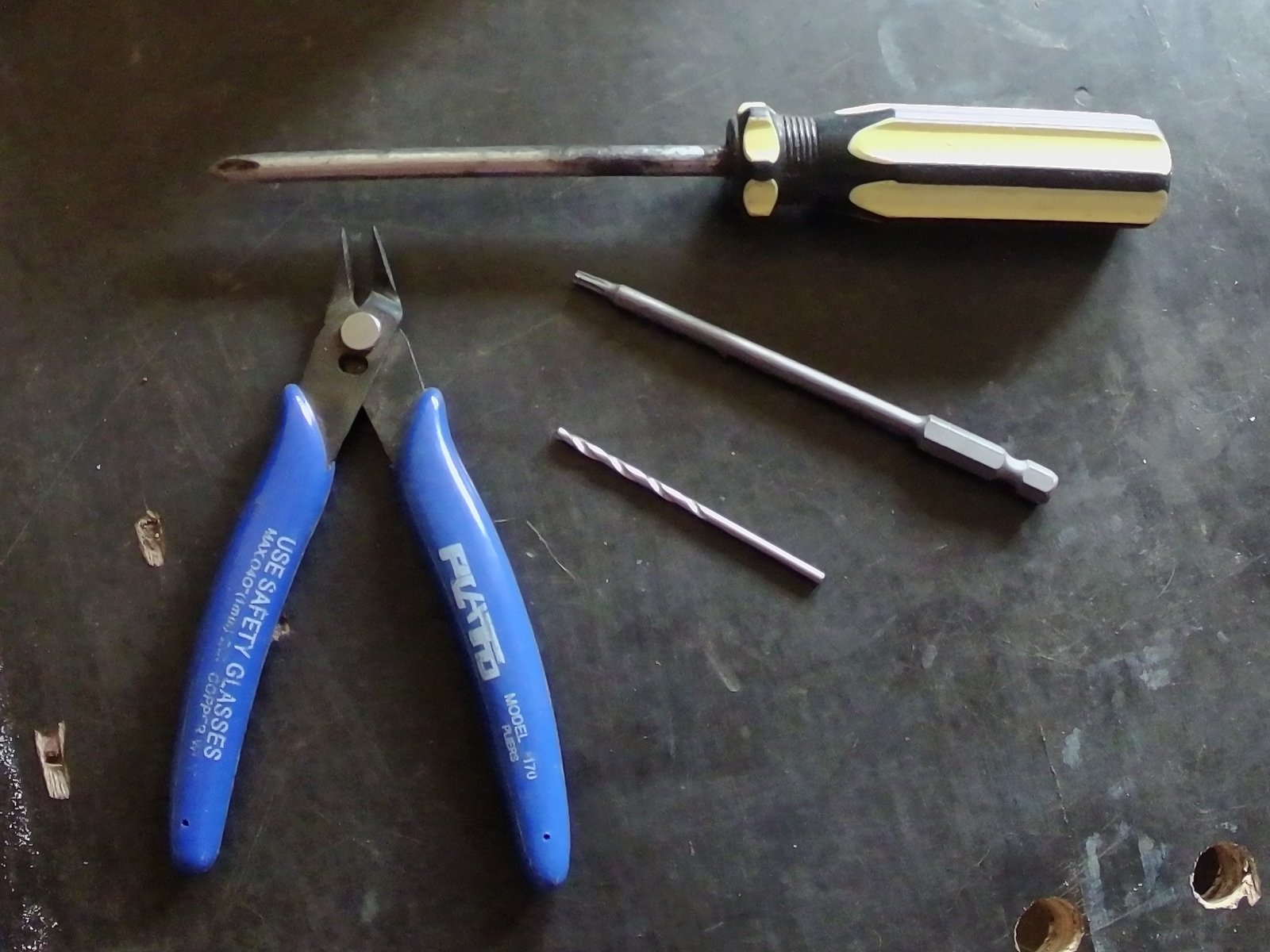
Tools
- Drill
- Grinder
- Soldering iron and small amount of solder
- Long Torx T10 security bit - AUD$9.85 pack - Ebay
- Phillips head screw driver
- 3/32"or 2.5mm Drill bit
- Wire cutters
- Optional
- Bolt cutters, for cutting screws
- File
Parts
- Ryobi charger
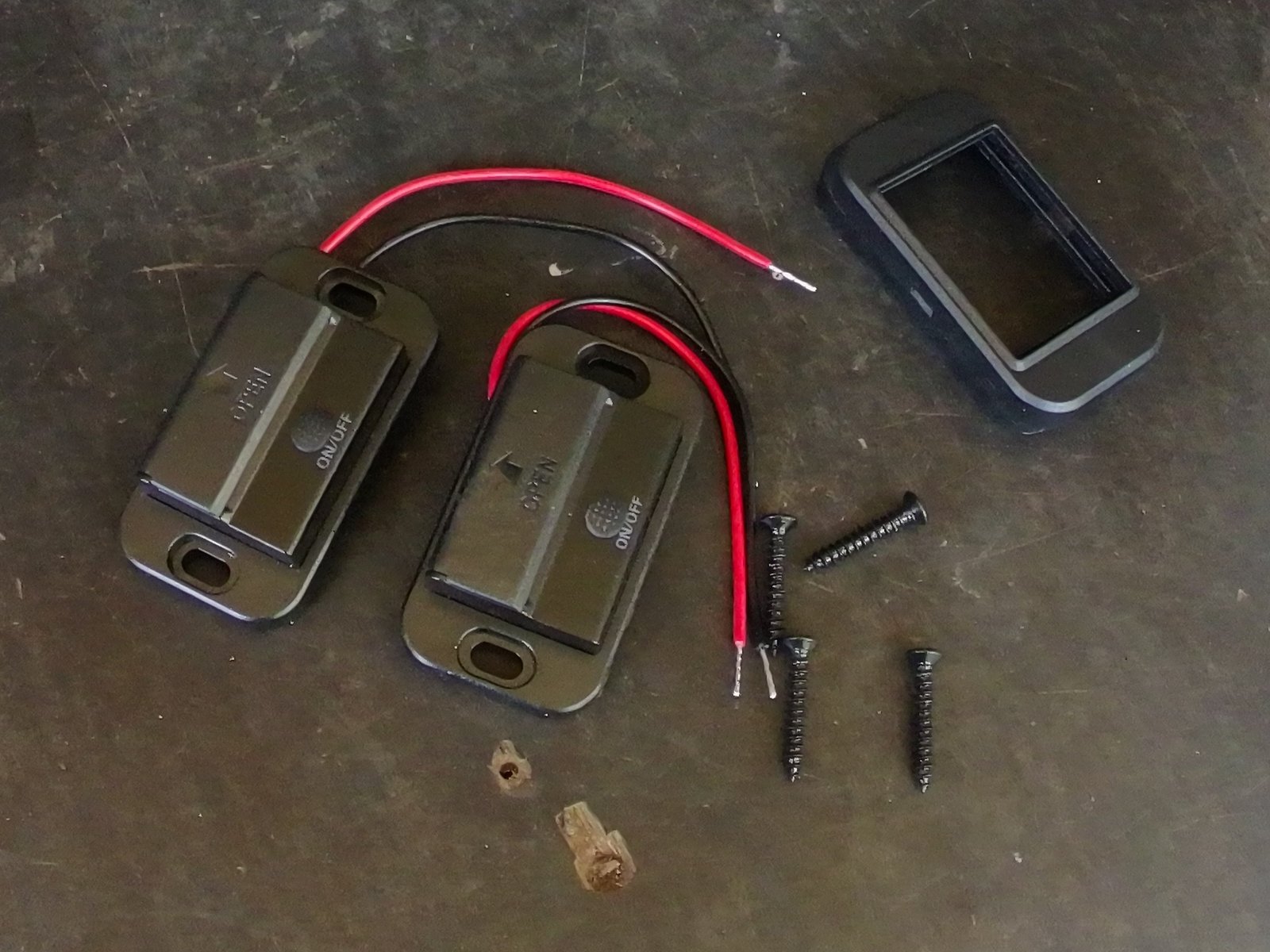
- USB hubs - AUD$19.99 - Amazon
- USB-A - 5v 3a, 9v 2a, 12v 1.5a
- USB-C - 5v 3a, 9v 3a, 12v 3a
Instructions
- Ensure its not plugged in
- Carefully cut decals along join with knife
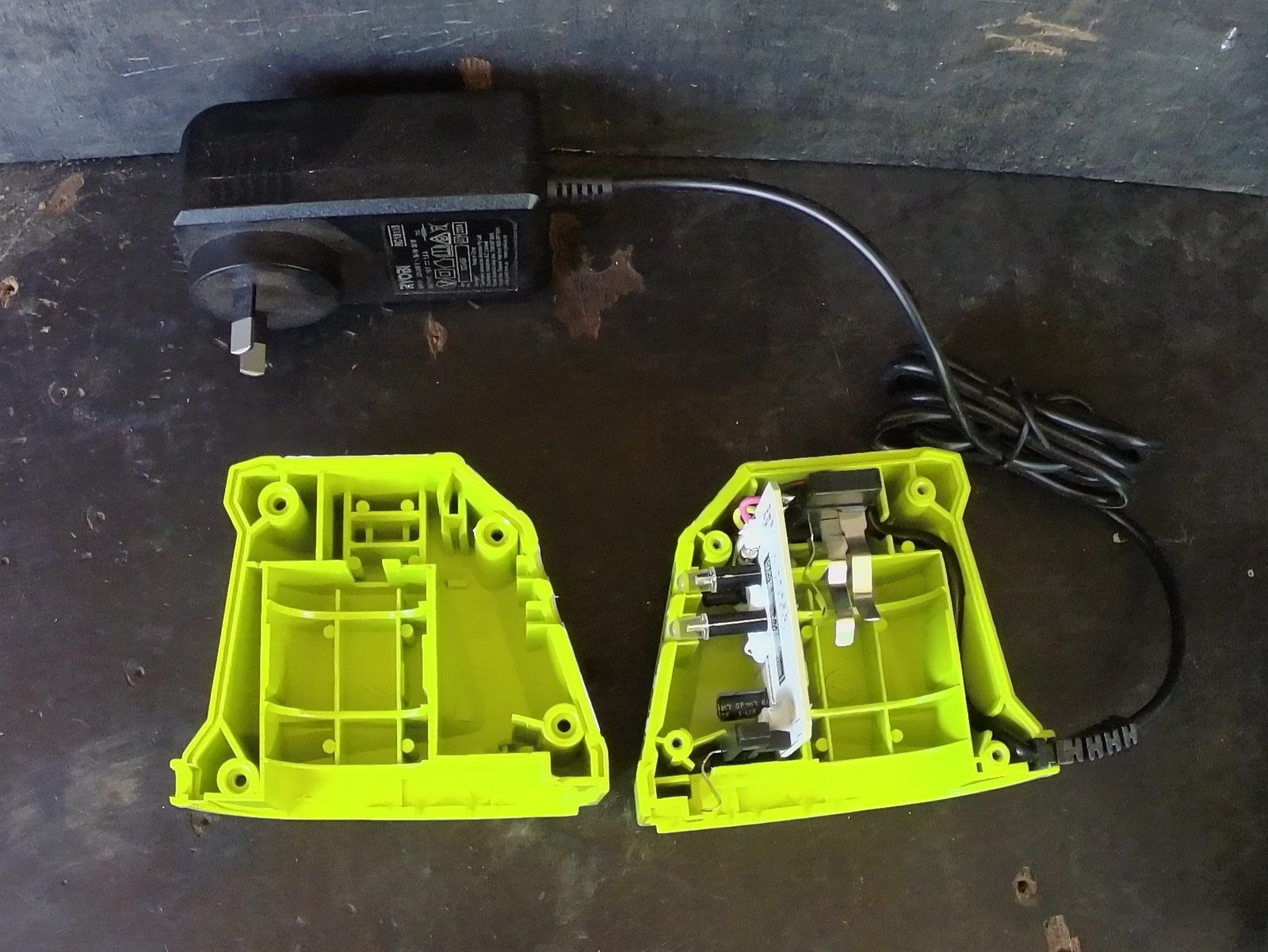
- Unscrew 4 security screws
- Separate the halves, glob of internal glue may hold it together
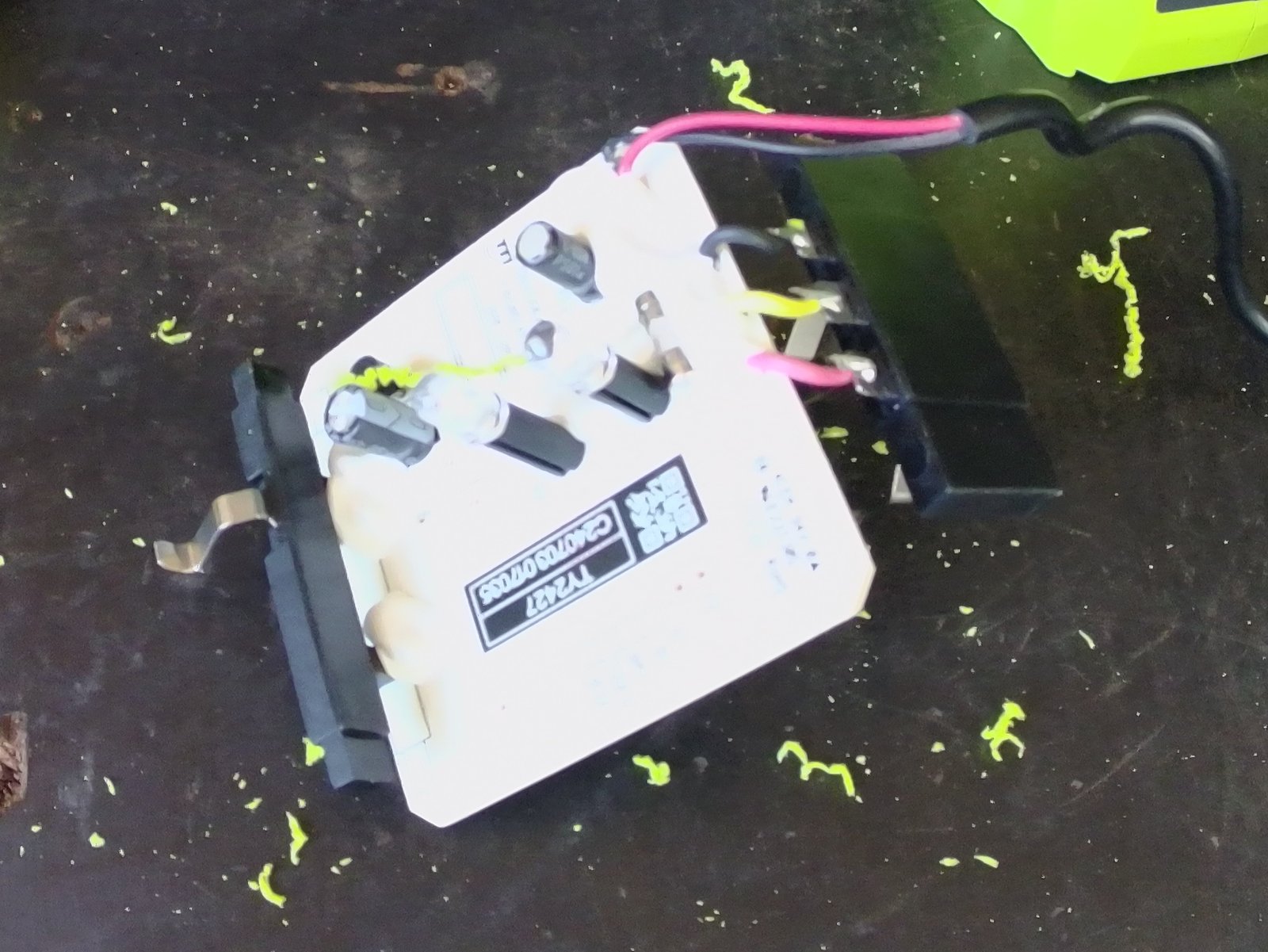
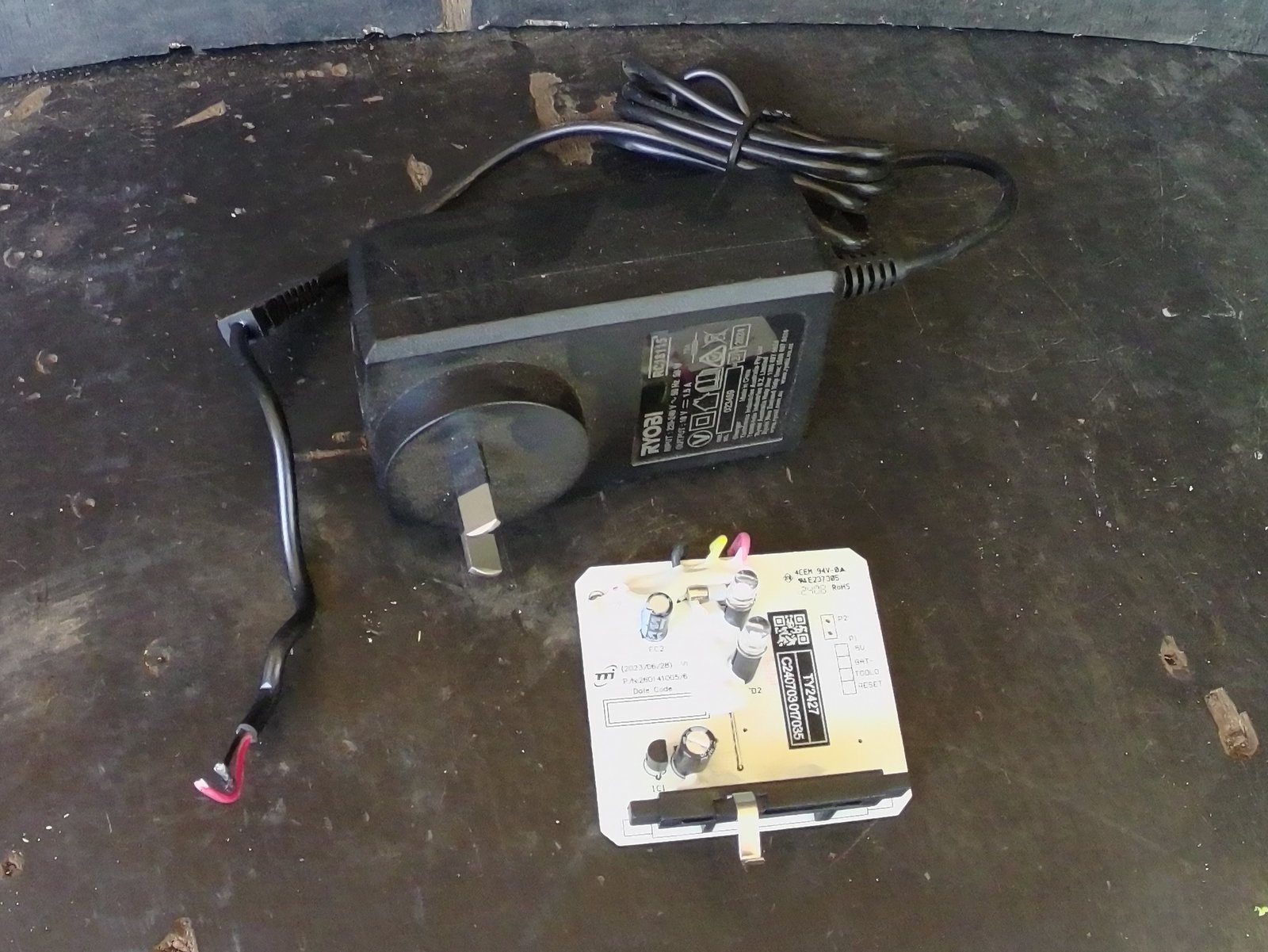
- Remove internal electronics and cut wires to terminal block
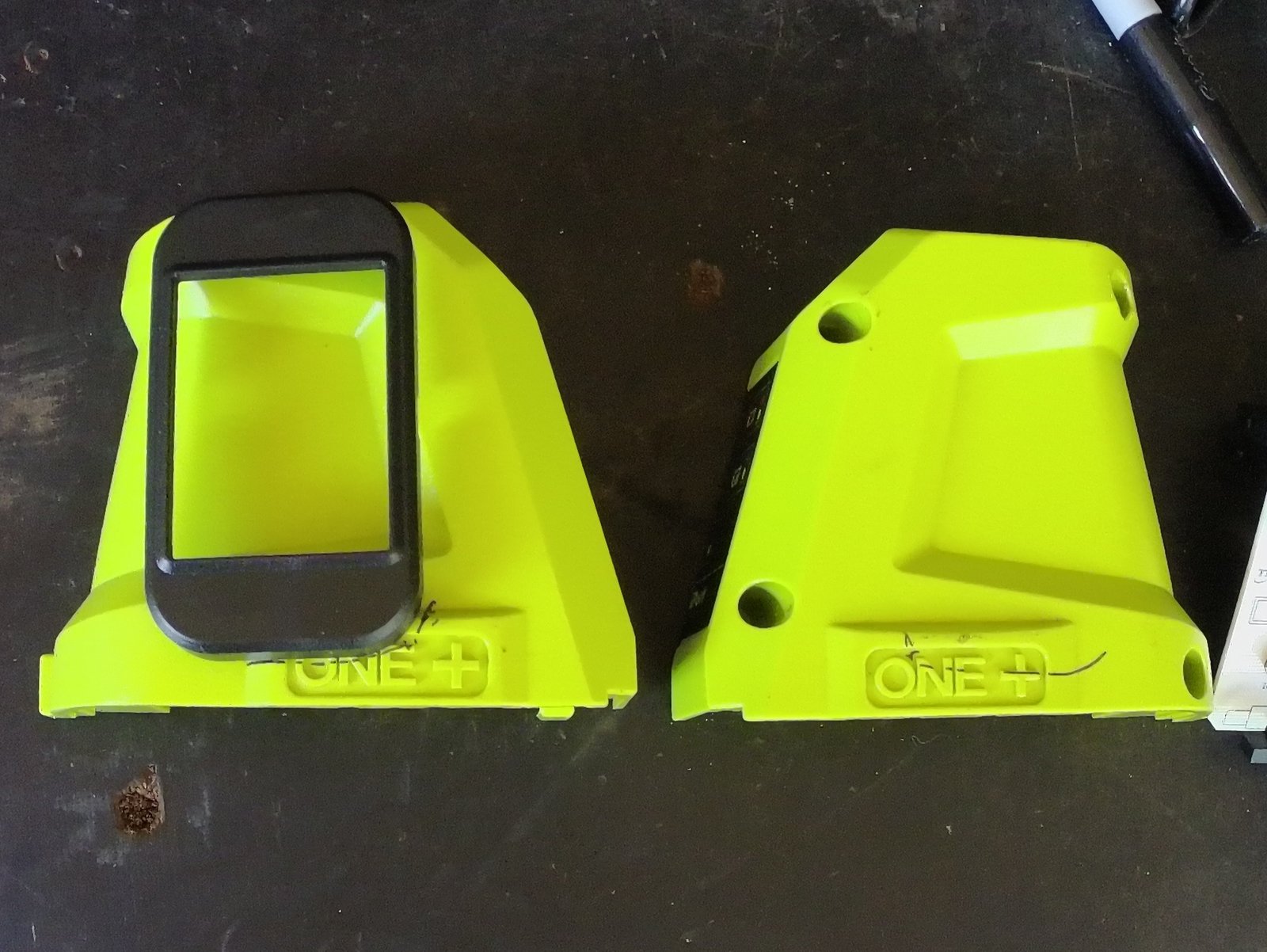
- Place USB hub on side, mark where needs removing
- Grind or file off were marked
- Place USB hub back in location and mark screw holes
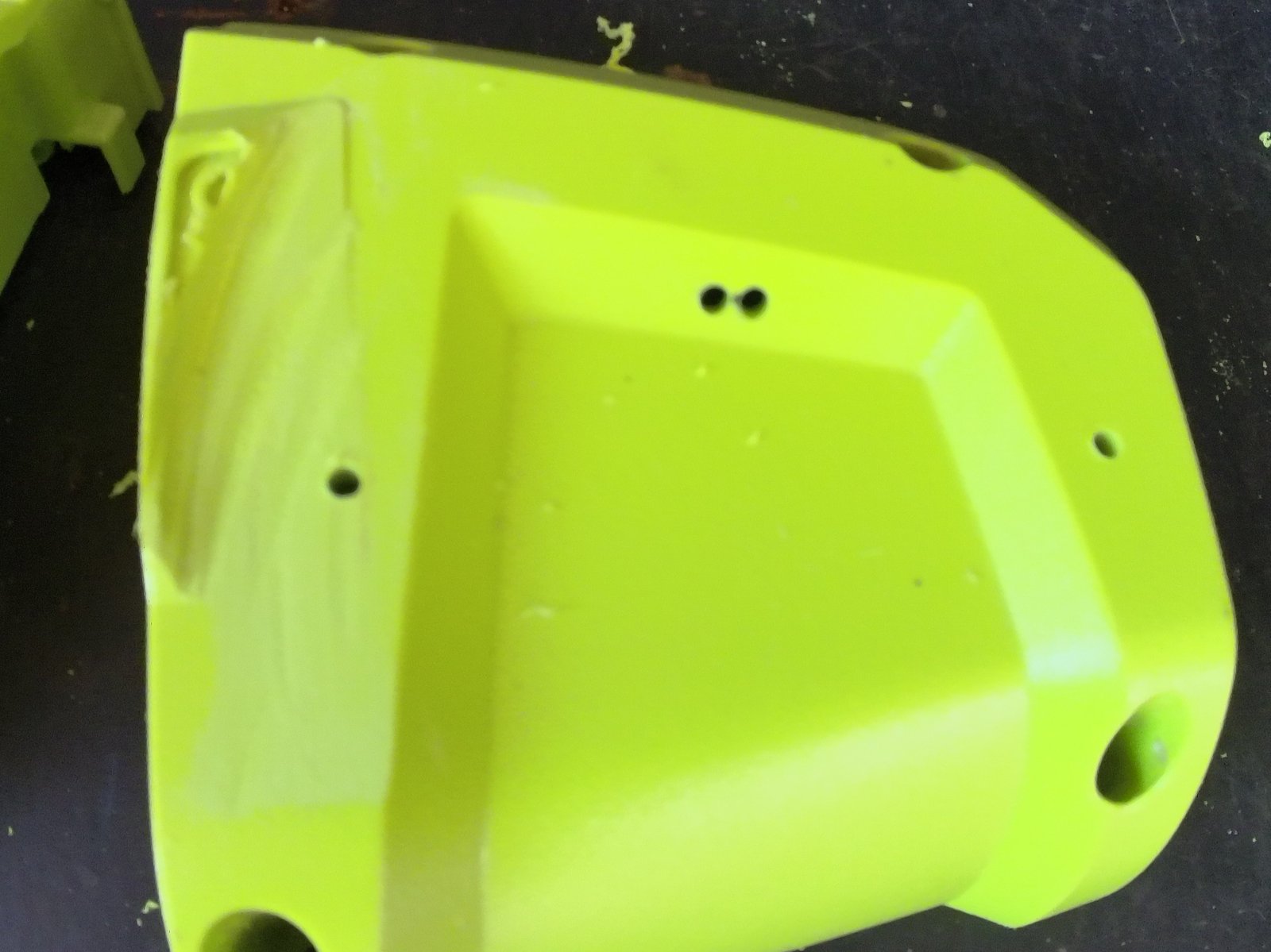
- Drill screw holes
- Drill 2 holes side by side for cables and elongate carefully to not break drill bit
- Feed cables through hole
- Use short screws or cut supplied screws and fit USB hub to side
- Add drop of solder on ends of wires
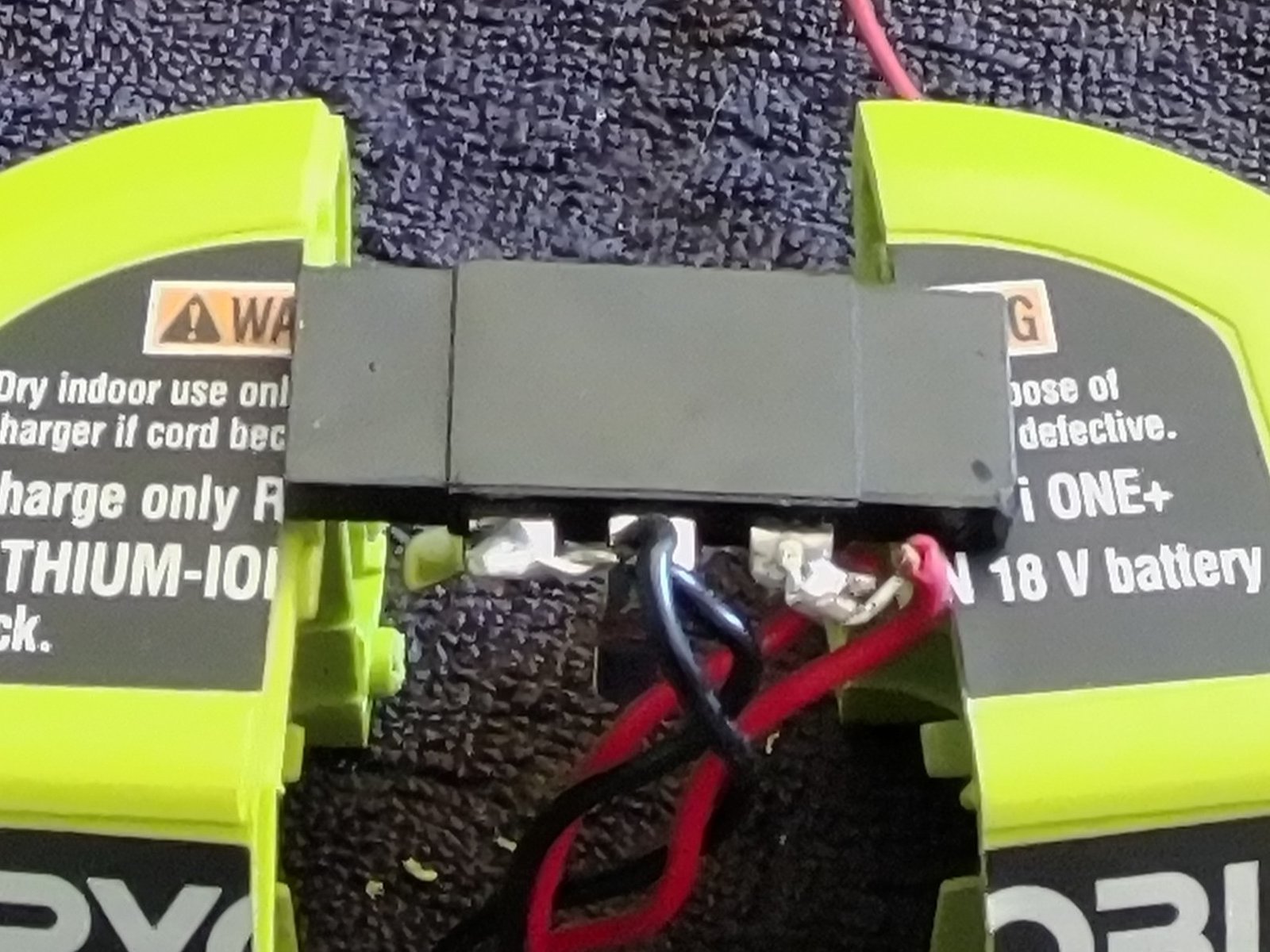
- Solder red to red, black to black on black box. Do not solder wires to the middle terminal
- Feed wire around internals
- Carefully join halves back together adjusting wires as needed and screw firm
- Clip on battery and press power button
- Switch on USB hub and watch for lights
- Plug something in to test
Notes:
This will void warranty.
For safety reason this will no longer be able to be used to charge batteries.
Prices are at time of purchase and are subject to change, location and postage.